cornbread
Overview
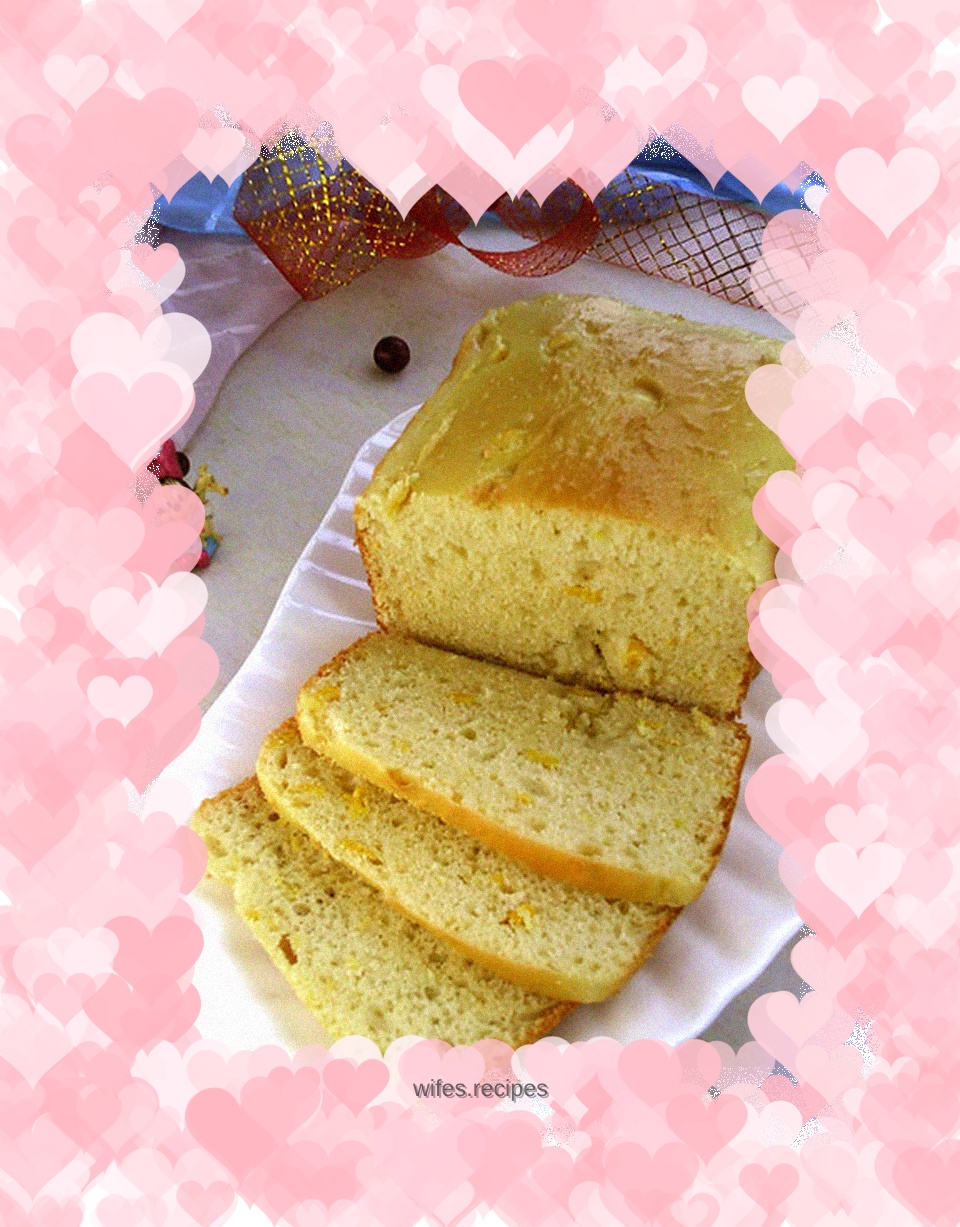
Petrus 6800 Part 5: Corn Kernel Bread Corn is on the market again, but the frozen corn kernels in the refrigerator have not been used up yet. There wasn't much left, so I used it to try Petrus 6800's cornbread. There is a separate program for it. Is there any difference? In fact, Teacher Meng has a cornbread that she wants to make, but she has never started making it. The lazy mode of the bread machine can be put into action quickly as long as it is not worried about sales. Operate according to the recipe, hover around when stirring, just wait for the buzzer to sound, and add ingredients immediately. However, the instructions do not mention that the beep will probably sound at this time. Waiting hard, not daring to stay away for fear of missing the not too strong sound. After about an hour of fussing, I finally waited until the sound came. If I was given an amnesty, I quickly poured in the corn kernels. OK, I'll leave it to you, man. Seeing that the time was almost up, I walked back to the bread machine to check the progress. And in the last 5 minutes, the color seems not ideal enough? Quickly beat an egg, brush on the surface to decorate it, and when the time is up, take it out of the oven and finish the cornbread. And 6800's bread experiment has come to an end. But the bread is far from over. . . . .
Tags
Ingredients
Steps
-
Materials

-
Pour water and eggs into bread bucket

-
Add salt, sugar, butter

-
Pour in flour

-
Make a well in the flour and fill it with yeast

-
Load the bread bucket into the bread machine

-
Press the menu button and select Program 9, Cornbread

-
Press the weight key and burning color key respectively to select 500 grams and dark burning color

-
Press the start key

-
The bread machine starts mixing

-
When the buzzer sounds, pour in the corn kernels

-
During the last 5 minutes of the bread program, brush the surface with egg wash

-
Bread program ends

-
Take out the bread bucket

-
Pour out the bread and let cool

-
Slice after cooling
