Cloud recipe one-click pumpkin puree
Overview
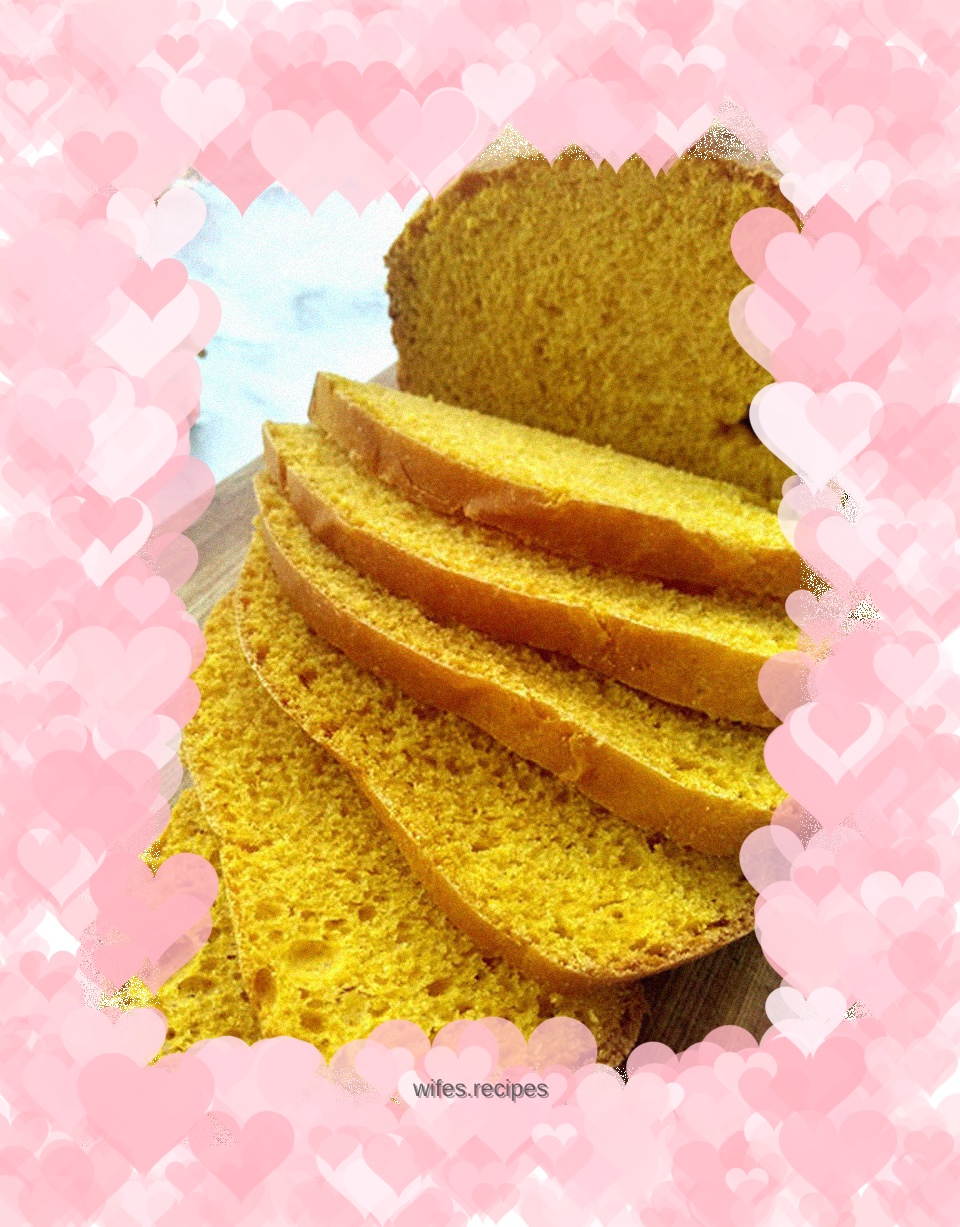
I happened to have a pumpkin, and I immediately fell in love with the pumpkin puree in Yun’s recipe. It's actually made entirely of pumpkin puree, and apart from eggs, there's nothing liquid. Very happy. That's it. But, why does everyone like to eat such a big piece of toast? 350 grams of flour, making 750-1000 grams of bread. I always only make the minimum portion, 500 grams. Convert amounts proportionally. I no longer care whether this one-click bread is suitable for a smaller size. In fact, judging from the last result, there doesn't seem to be anything wrong. The color is very good and not burnt. After getting used to it, I no longer check the bread progress frequently. After one click, let him go. Guessing that the time was almost up, I turned on my phone to see if it had entered the final baking stage. Sure enough, it soon showed that it was done. Pumpkin puree bread is always so golden and tempting. . . .
Tags
Ingredients
Steps
-
Open the mobile cloud recipe and find the pumpkin puree,

-
Scroll down to the ingredients and prepare the ingredients according to the amount you want

-
Ingredients: 290g high-gluten flour, 40g eggs, 40g white sugar, 2g salt, 160g pumpkin puree, 15g butter, 1 tsp dry yeast

-
Pour the pumpkin puree, eggs, sugar, butter, and salt into the bread bucket,

-
Pour in the flour and make a well in the flour,

-
Pour in dry yeast.

-
Put it into the bread machine, lock it in place, and close the lid.

-
Click the one-click creation button at the bottom of the phone screen,

-
The phone shows that the bread machine starts mixing,

-
After 3 hours, the phone shows that the bread machine has entered the baking process,

-
The countdown is over, and the phone prompts that it’s done. Go check it out.

-
Turn off the bread machine, open the lid,

-
Bring up the bread bucket,

-
Pour out the bread and let cool

-
Slice and serve.
